
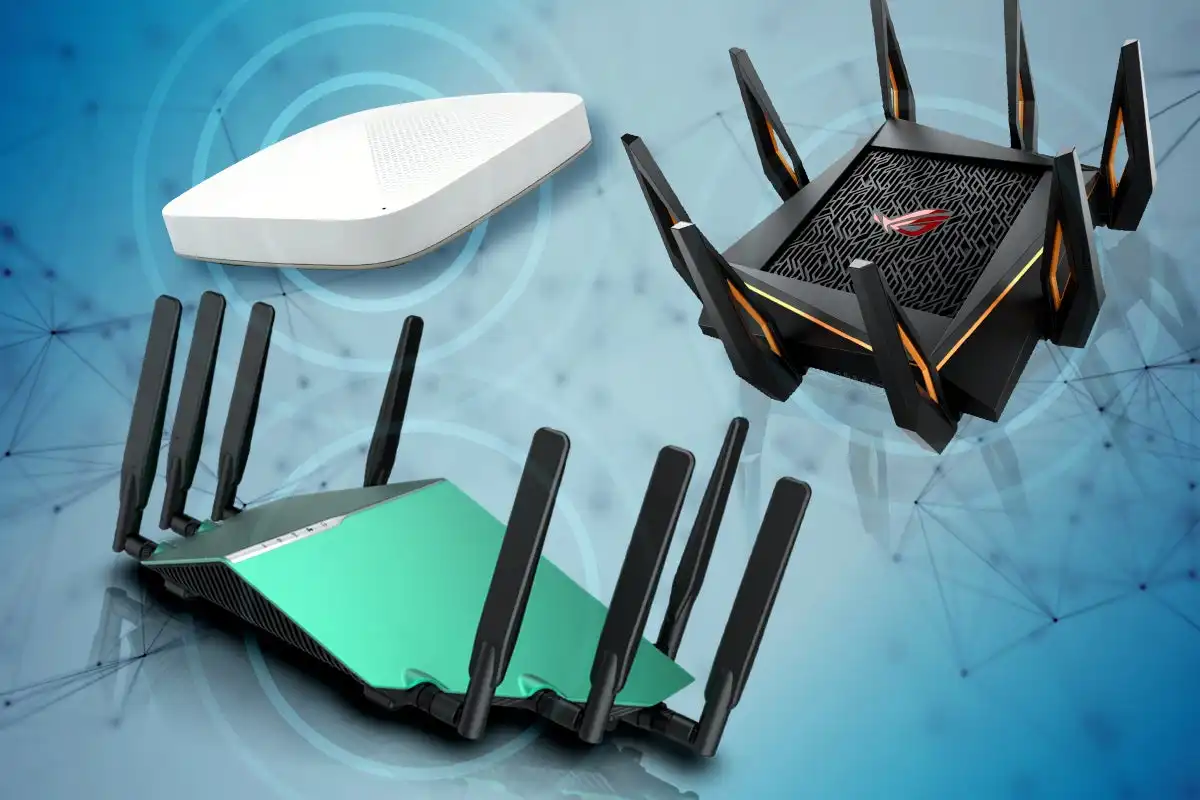
A home router quietly controls the connection used by laptops, phones, TVs, cameras, speakers, and smart devices. Weak settings can turn that central position into a security problem. Home network threats become easier to manage when the router is treated as an important security device rather than equipment that is configured once and forgotten.
A few basic changes can close common openings.
Change the Router’s Default Access
Many routers arrive with preset administrator information or predictable setup processes. The first priority should be protecting the router’s management page with a strong, unique administrator password.
General online security references often focus attention on devices and accounts, but the router deserves similar care. Someone who controls router settings may be able to change network configuration, redirect traffic, weaken wireless security, or create persistent access.
Keep Wi-Fi Credentials Separate
Your Wi-Fi password and router administrator password should not be identical. They protect different things.
A guest who needs internet access should not automatically possess the credential that controls router settings.
Update Firmware and Remove Old Devices
Router manufacturers may release firmware updates to fix security or stability problems. Check whether automatic updates are supported. If not, periodically review the router manufacturer’s update process.
A clean inventory also helps. Approaches used in data management guidance translate well to connected devices: know what belongs on the network, identify what is outdated, and remove access that is no longer necessary.
| Network Issue | Possible Weakness | Better Action |
|---|---|---|
| Default admin login | Easy router takeover | Set unique credentials |
| Old firmware | Unfixed vulnerabilities | Install supported updates |
| Unknown device | Unauthorized connection | Review and remove it |
| Shared main Wi-Fi | Too much device access | Use a guest network |
Separate Guests and Smart Devices
Guest networks can prevent visitors from joining the same network segment used by personal computers or storage devices. Some routers also support separate networks for smart-home equipment.
Thinking about router defense concepts helps highlight an important point: not every connected device needs unrestricted communication with everything else.
Old smart cameras, plugs, or appliances may receive limited updates. Keeping them separated can reduce the impact if one device becomes vulnerable.
Common Router Security Mistakes
Hiding the Wi-Fi network name is sometimes treated as a major security measure, but it should not replace strong encryption and passwords. A determined observer may still detect network activity.
Another mistake is enabling remote router administration without a clear reason. Internet-facing management features create another potential access path and should generally remain disabled unless they are genuinely needed and properly secured.
Do not keep unsupported hardware indefinitely. A router that no longer receives updates may eventually become difficult to protect despite careful settings.
Frequently Asked Questions
How can I see what devices are connected to my router?
Most modern routers provide a connected-device list through their management page or mobile app. Review device names and addresses and investigate anything you do not recognize.
Should I create a guest Wi-Fi network?
A guest network can be useful for visitors and some smart devices because it limits access to the primary network. Available isolation features vary by router.
Does changing the Wi-Fi password remove old devices?
Normally, devices using the previous password will lose access and must reconnect with the new credential. This can be useful when you suspect an unauthorized device has joined.
Treat the Router Like a Security Control
Your router sits between the household and the wider internet, so leaving its settings untouched is unnecessary risk. Use separate strong passwords, install updates, review connected devices, disable features you do not need, and separate less-trusted equipment where possible. A better-configured router gives every device behind it a stronger starting point.
Related Posts

Intelligent Tutoring Systems (ITS): The Rise of 24/7 Agentic Learning Ecosystems

App Search Problems – Organize Content for Faster Access